How to Use ScanMyCoin
Identify any coin in seconds with our AI-powered recognition technology. Follow these simple steps to get started.
95%+
Recognition Accuracy
Industry-leading AI accuracy for coin identification
270,000+
Coins in Database
Comprehensive coverage of world coins
3 sec
Identification Time
Get results in seconds, not minutes
1M+
Active Users
Trusted by collectors worldwide
Download ScanMyCoin App
Download ScanMyCoin from the App Store on your iOS device. The app is free to download with optional premium features.

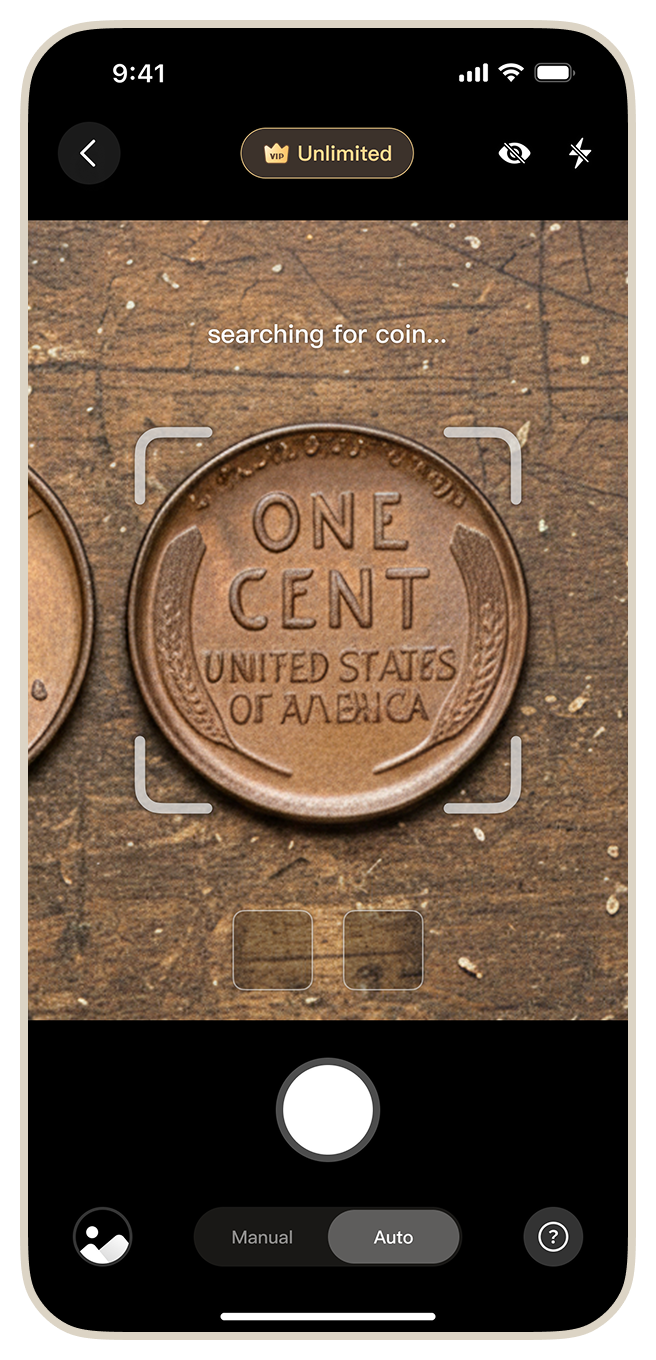
Take a Photo of Your Coin
Open the app and point your camera at the coin. You can photograph both sides for maximum accuracy. The app supports auto-capture mode for hands-free operation.
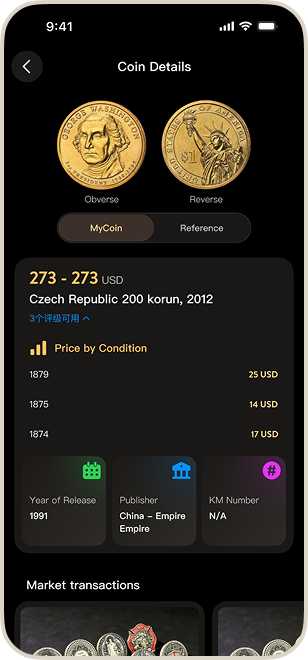
Get Instant AI Recognition Results
Within 3 seconds, receive detailed information about your coin including country of origin, year, denomination, historical background, and estimated market value.
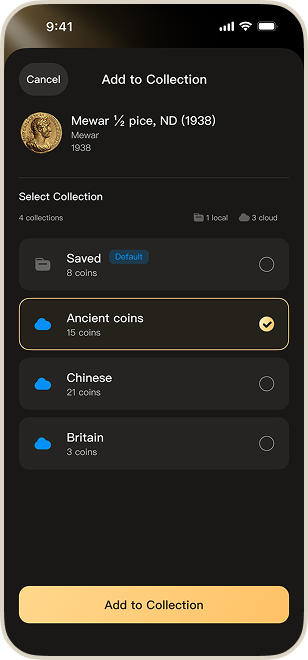
Save to Your Collection
Add identified coins to your digital collection. Organize by country, era, or custom categories. Your collection syncs across all devices via cloud backup.
Pro Tips for Best Results
Good Lighting
Use natural light or a well-lit area for clearer photos
Both Sides
Photograph both obverse and reverse for higher accuracy
Fill the Frame
Make sure the coin fills most of the camera frame
Clean Surface
Gently clean the coin to remove dust and debris
Steady Hand
Hold your device steady or use auto-capture mode
Focus Check
Ensure the image is sharp and in focus before capturing
Ready to Identify Your Coins?
Download ScanMyCoin now and start exploring your coin collection with AI-powered recognition.
Download Free on App Store